Types of PLA
PLA spools labeled “PLA” can behave very differently because of pigments, additives, and fillers. Use the variant to match your goal (looks vs toughness vs stiffness vs special effects), then re-check temperature, cooling, and stringing on that new spool—especially for silk, matte, clear, and any abrasive filled PLAs like CF or glow.
TL;DR
Pick PLA by what you need most: matte for hiding lines, PLA+ for tougher parts, silk for glossy decor (but weaker/stringier), and filled PLAs (CF/glow) only if you can run a hardened nozzle. When you change PLA types, re-tune nozzle temperature and cooling first; retraction comes after.
What actually changes between “PLA” spools
PLA variants change because manufacturers add modifiers (to change flow and toughness), use different pigments (which can change how the filament absorbs heat), or mix in solid fillers (to change stiffness and surface finish). Those changes affect melt behavior and cooling, so two PLAs may need different nozzle temperature, fan, and speed to get the same layer bonding and surface quality.
Common PLA variants (what they’re good for)
- Reliable, easy to tune
- Good surface quality
- Low warp on most beds
- Can be brittle in thin features
- Softens at relatively low heat
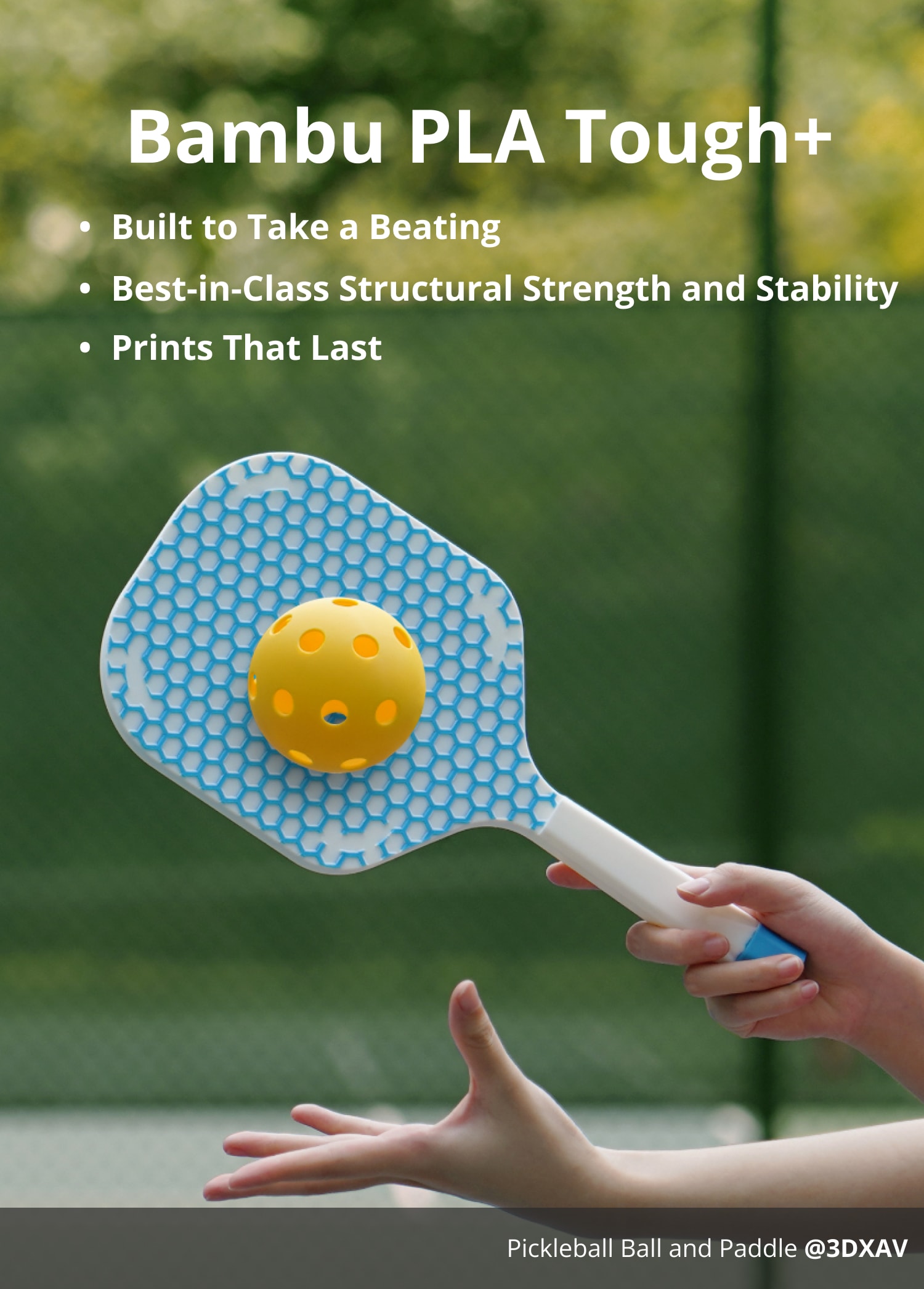
- Often tougher and less brittle than standard PLA
- Usually good layer adhesion
- Behavior varies by manufacturer (not a standard)
- May need a bit more heat and less cooling
- Hides layer lines well
- Good for visual parts and props
- Can be slightly weaker/more brittle
- Matte additives can reduce layer bonding if printed too cool
- Glossy “silk” finish looks great
- Good for decorative prints
- Often weaker layer adhesion than standard PLA
- More likely to string; needs careful temp/retraction
- Surface shows scratches easily

- Stiffer feel; hides layer lines
- Good dimensional stability for some parts
- Abrasive: requires hardened nozzle
- Can be more brittle
- Higher chance of clogs with small nozzles
- Multi-color effect without painting
- Usually prints like standard PLA
- Color transitions depend on path length (not time)
- Inconsistent look on small parts

- Distinct glow effect
- Fun for labels and decor
- Very abrasive: hardened nozzle recommended
- Pigment can increase stringing and nozzle wear
- Translucent parts and light diffusers
- Good for visual prototypes
- Truly clear is hard: needs thick walls and consistent extrusion
- Shows bubbles/defects; wet filament looks cloudy

- Designed to hold detail at higher flow rates
- Can reduce print time on capable printers
- Still limited by hotend flow and cooling
- May need higher temperature and strong part cooling
How to pick the right PLA fast
- Need toughness over looks
- Start with PLA+ / Tough PLA; run hot enough for strong bonding and don’t over-cool.
- Need best cosmetics
- Matte hides layer lines; silk is glossy but usually weaker and more string-prone.
- Need stiffness and a “technical” look
- PLA-CF, but only with a hardened nozzle and acceptance of more brittleness.
- Need special effect
- Rainbow for color bands; glow for visibility; transparent for light diffusion (expect translucent, not glass-clear).
- Printing very fast
- High-speed PLA can help, but only if your hotend flow and part cooling can keep up.
Baseline tuning steps when switching PLA types (do these in order)
- Dry the filament if you hear popping, see heavy stringing, or the surface looks foamy/cloudy (transparent and silk are common victims).
- Run a small temperature test for the new spool. Choose the lowest nozzle temperature that still gives strong layer bonding (layers shouldn’t split when flexed).
- Adjust cooling next: increase fan for crisp overhangs/bridges; reduce fan if parts snap along layer lines or small features feel brittle.
- Only then touch retraction and travel settings to chase stringing. Silk and glow often need extra attention here.
- For filled/abrasive PLA (CF or glow): use a hardened nozzle; if clogs happen, consider a larger nozzle (0.5–0.6 mm) and slightly slower speeds.
Quick troubleshooting by PLA type
Silk PLA looks great but snaps along layers
Likely cause: Too cool and/or too much cooling; silk blends often have weaker interlayer bonding
Fix: Increase nozzle temp slightly and reduce fan; slow outer walls
PLA-CF clogs or under-extrudes
Likely cause: Particles + small nozzle/low temp; partial nozzle wear increases back-pressure issues
Fix: Raise temp, slow down, use 0.5–0.6 nozzle; switch to a hardened nozzle
Glow PLA suddenly prints rough and dimensions drift
Likely cause: Abrasive pigment wearing a brass nozzle (effective nozzle size changes)
Fix: Replace with hardened nozzle; re-check flow/extrusion and line width assumptions
Transparent PLA looks cloudy and bubbly
Likely cause: Wet filament causing micro-bubbles; inconsistent extrusion shows strongly in clear materials
Fix: Dry filament; raise temp slightly if under-extruding; print slower with thicker walls
High-speed PLA has droopy overhangs at fast speeds
Likely cause: Cooling and minimum layer time can’t keep up with the deposited heat
Fix: Increase fan, slow bridges/overhangs, increase minimum layer time or reduce speed for those features